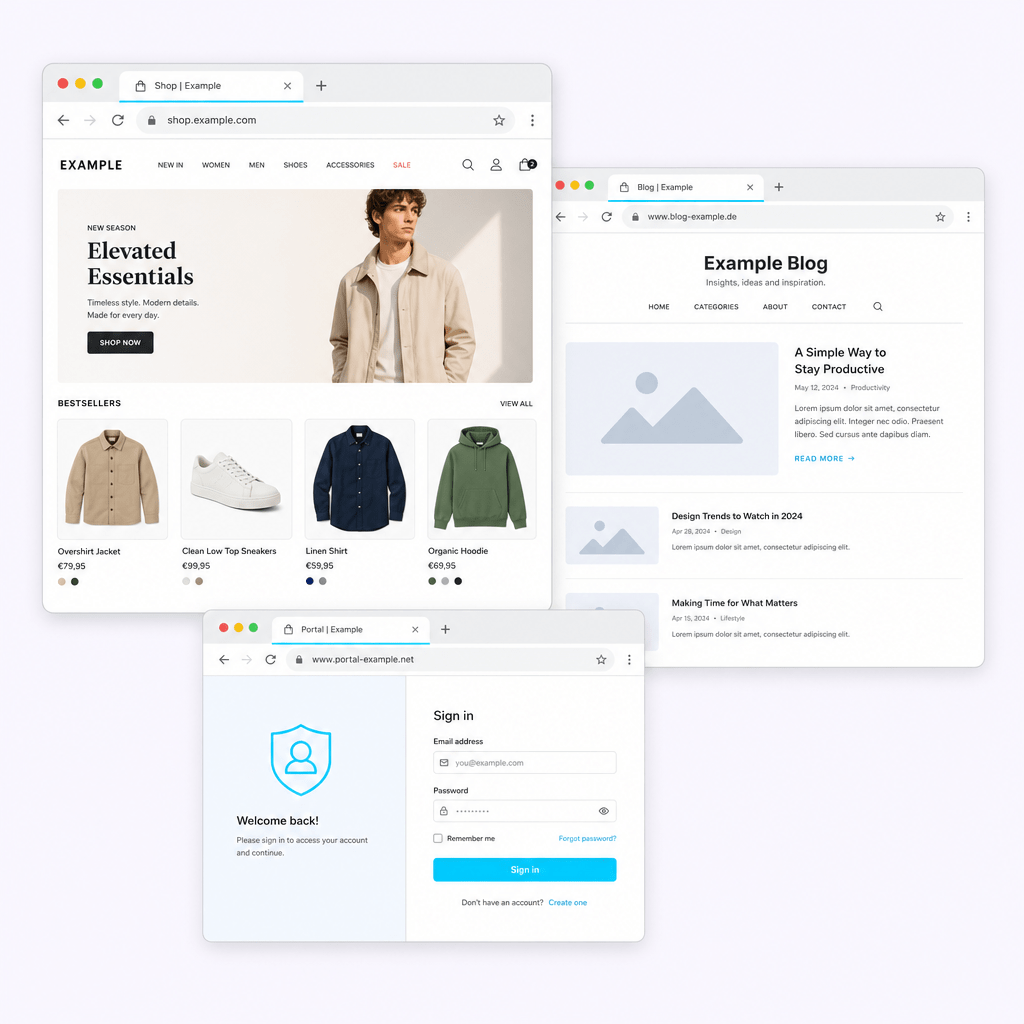
Make every website in your WordPress Multisite network reachable under its own domain – set up in just a few minutes.
Your Domains, Your Control
The Core Features
How to connect a domain to your website
Enter the domain you want in the plugin and assign it to the matching website in your network. From that moment on, this website is reachable under its own domain – no manual redirects required.
A detailed step-by-step guide including DNS setup and troubleshooting can be found in our guide to setting up Onartline Multisite Domain Mapping.
HTTPS without the hassle
Secure access to your website – configurable per domain. Automatically redirect insecure http requests to the secure https version via an SEO-friendly 301 redirect. This keeps every visitor’s connection protected, without you having to set up redirects yourself.
How domain redirects work with Onartline Multisite Domain Mapping
Route different domains to your website. No matter which domain your visitors come from, they automatically land on the main domain you’ve defined. Consistent, and without duplicate content for search engines.
Edit domains instead of recreating them
Every saved domain can be edited directly at any time – whether it’s the target address, settings, or a simple typo. One click on “Edit” is all it takes, without needing to delete and recreate the existing entry. The clear domain list always keeps track of every connected domain.
Why Onartline Multisite Domain Mapping was created
Onartline Multisite Domain Mapping was built for anyone who wants to manage multiple websites through a single WordPress Multisite installation – actively maintained and built for the future.
Ready for simple domain mapping?
Connect your domains to your WordPress Multisite network today – easy to set up, actively maintained, and built for the future.